A well-ordered house is a house where each room is optimized to provide the most space, but it is also a house where everything is in its place, well organized. In fact, it is inevitable to tackle at some point a task feared by many: sorting and arranging administrative papers and documents.
If this step proves tedious and thankless, even anxiety-provoking for many of us, once completed it allows you to have a free mind and feel relieved. How to sort your papers clearly and efficiently? How to classify them? Where to store them? Why choose one box for document archiving ? We help you answer these questions.
Key points to remember:
To effectively declutter your administrative documents, start by gathering all your papers, sort them according to their legal retention period, discard unnecessary documents, and then classify the others by category (identity, housing, banking, taxes, health, work, etc.). Also consider scanning important documents to save space while keeping an easily accessible copy.
Summary
First step: sort through your administrative papers

Sorting your documents is the first step before filing and organizing them. But first and foremost, make sure you're in a quiet, uncluttered room so you can focus on what you're doing and have enough space to spread out all your papers.
Otherwise, you could quickly get lost and have to start the task all over again. It's best to begin sorting your documents in the morning or early afternoon, as it can take several hours.
How to sort your administrative documents?
- Recycle unnecessary documents.
- Gather all the papers.
- Remove duplicates.
- Check the shelf life.
- Sort by category.
- Digitize important documents.
- Archive the necessary originals.
If you do not know when to throw away a document, do not hesitate to go to the public service website, you will have all the information concerning the legal retention period of your various papers.
Here is a small selection for you by category.
| Category | Document | Shelf life |
|---|---|---|
| Work, unemployment, retirement | Payslips | Until the end of retirement (lifetime storage recommended) |
| Employment contract | Until the end of retirement | |
| France Travail (formerly Pôle emploi) certificate | Until unemployment benefits are received | |
| Proof of unemployment benefit payments | 3 years | |
| Retirement pension payment slips | To be kept permanently | |
| Bank | Check to be cashed | 1 year and 8 days |
| Credit agreement (mortgage or consumer) | 2 years after the last deadline | |
| Account statements | 5 years | |
| Check stubs | 5 years | |
| Bank card receipts | Until receipt of the corresponding account statement | |
| Assurance | Receipts, payment due notices, cancellation letters, proof of payment | 2 years |
| Insurance contract | Up to 2 years after the end of the contract | |
| Life insurance contract | 10 years | |
| Taxes and fees | Income tax returns and notices | 3 years |
| Property tax and council tax notice (or other local taxes) | 1 year |
This selection is not an exhaustive list. For all legal retention periods, particularly for documents related to your housing, telecommunications, family, vehicle, or health, please visit the website of the public service or consult our specific article on document retention periods.
Second step: carry out an effective and relevant classification
Organizing your documents can be done in two different ways: either by storing them in a binder on paper, or online using your preferred archiving service, such as Google Drive. Choose the method you're most comfortable with. Regardless of the method, the filing process remains the same. In fact, the most efficient and transparent way to organize your papers is simply to... group by category.
Here is a possible list of categories to help you:
| Category | Documents to keep |
|---|---|
| Professional situation | • Payslips • Employment contract(s) • Work certificate(s) • Statements of daily sickness and maternity allowances |
| Bank documents | • Bank contracts (mortgage loans, consumer credit, etc.) • Loan and credit repayment schedules • Files relating to bank accounts • Check stubs • Account statements • Bank card receipts (if kept) |
| Insurance | • Insurance contracts • Receipts • Due date notice • Cancellation letters • Proof of payment • Automotive information records • Life insurance contract |
| Taxes and fees | • Income tax returns • Income tax notice • Supporting documents used for the declaration (actual expenses, etc.) • Local tax notices (property tax, housing tax, etc.) |
| Accommodation | • Electricity, gas and water bills • Landline and mobile phone bills • Internet bills • Proof of return of equipment (box) • Invoices for work • Chimney sweeping certificates • Certificates of annual boiler maintenance • Real estate sales deeds • Proof of payment of condominium fees • Correspondence with the trustee • Minutes of the condominium owners' association general meeting • Rental agreement • Entry and exit condition reports • Rent receipts • Rent review letters • Inventory of furniture (furnished rental) • Proof of payment of housing benefit |
| Vehicle | • Purchase and repair invoices • Driving licence examination certificate • Fixed penalty notices • Vehicle transfer certificates |
| Family and schooling | • Civil status documents (birth, recognition, marriage, death) • Notice of payment of family allowances • Divorce decree • Adoption decree • Act of recognition of a child • Marriage contract • Civil Partnership Agreement • Family record book • Degrees |
| Health | • Health insurance and maternity reimbursement statements • Health insurance card and documents • Hospital or healthcare facility bills • Proof of daily allowances • Vaccination record • Blood type card • Health record • Medical certificates • Medical examinations (X-rays, ultrasounds, MRIs, tests, etc.) |
Can everything be digitized?
The digitization of administrative documents is a excellent solution for saving spaceIt allows you to quickly find a document and limit the risk of loss during a move or in the event of a disaster. It also allows you to access your files from any device and easily share a copy if needed.
However, even though many digital documents now have probative value, Some original versions remain highly recommended., or even indispensable. This is particularly the case:
- civil status documents,
- from the family record book,
- deeds of ownership,
- notarized contracts,
- of the will,
- of certain judgments
- or even original diplomas.
Before throwing away a paper document, always check that there is no legal or administrative obligation to keep it.
To secure your digital archives, it is advisable to apply the rule of 3-2-1 Keep a copy on your computer, a backup on an external hard drive, and a third in a secure online (cloud) storage space. This way, your documents remain accessible even in the event of a computer failure, loss, or theft of your equipment.
Finally, take the time to properly organize your computer files, just like your paper documents. Classify them by broad categories (housing, banking, health, taxes, work, etc.), and adopt a clear naming convention (for example, 2026-03_Electricity_Invoice.pdf) and protect your sensitive data with a strong password and, if possible, two-factor authentication.
Digitization is therefore an excellent complement to paper archiving, but it does not systematically replace the preservation of the most important original documents.
Third step: put away your documents
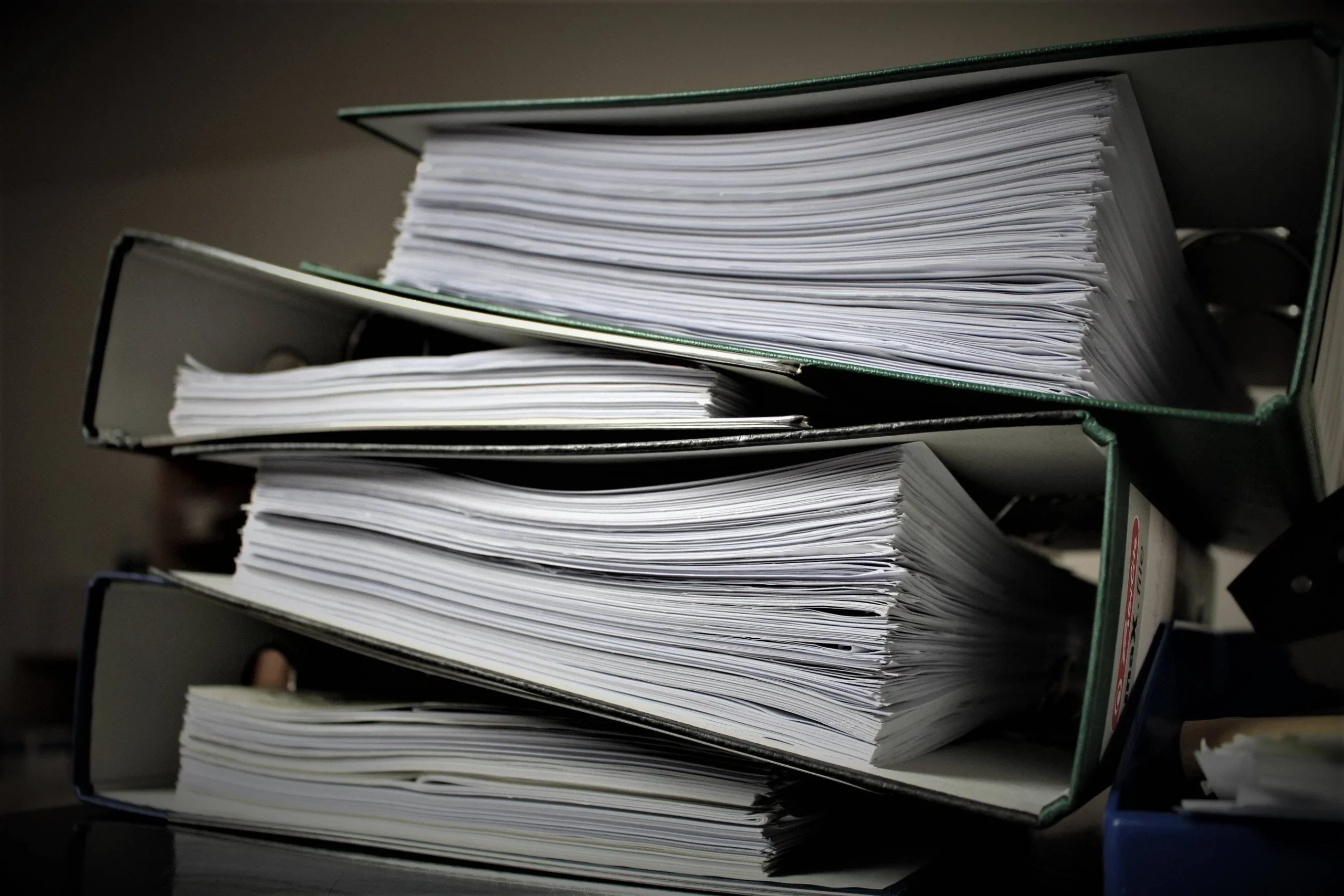
Now that all your papers and documents are sorted by category, all that's left is to file them away! While this step may seem the easiest, it's nonetheless essential. By ensuring everything has its place, you make things much easier for yourself. Whenever you need to find a document, you'll know exactly where to look and you'll save valuable time.
For optimal storage of your papers we advise you to follow the following tips, they will help you.
- First tip: store your documents in the same place, for example in your office. To be sure that they do not suffer any damage, we advise you to put them in a metal document holder.
- Second tip: In order not to scatter your papers and start this tedious sorting process too often, put away your new documents as soon as you have consulted and processed them.
- Third tip: Don't hesitate to implement a color-coding system and also to clearly mark various information such as names, dates, and the "category" of documents. This will allow you to find a document you're looking for even more quickly.
Finally, if the number of documents takes up too much space, consider depositing them in a storage unit rental near youThis will be secure and your papers will be much better protected from the elements than in a cellar or storage unit.